

trusted by 100+ top podcast in Africa
repurpose and scale your podcast content effortlessly.
with pllugg, turn your podcast episodes into high-performing content automatically. transcripts, quote cards, short image clips, social-ready snippets. all in 100 seconds.
used by the best podcasters in Africa


Features & Benefits
the complete toolkit to repurpose & grow your podcast.
works seamlessly with your rss feed link.

speed meets simplicity
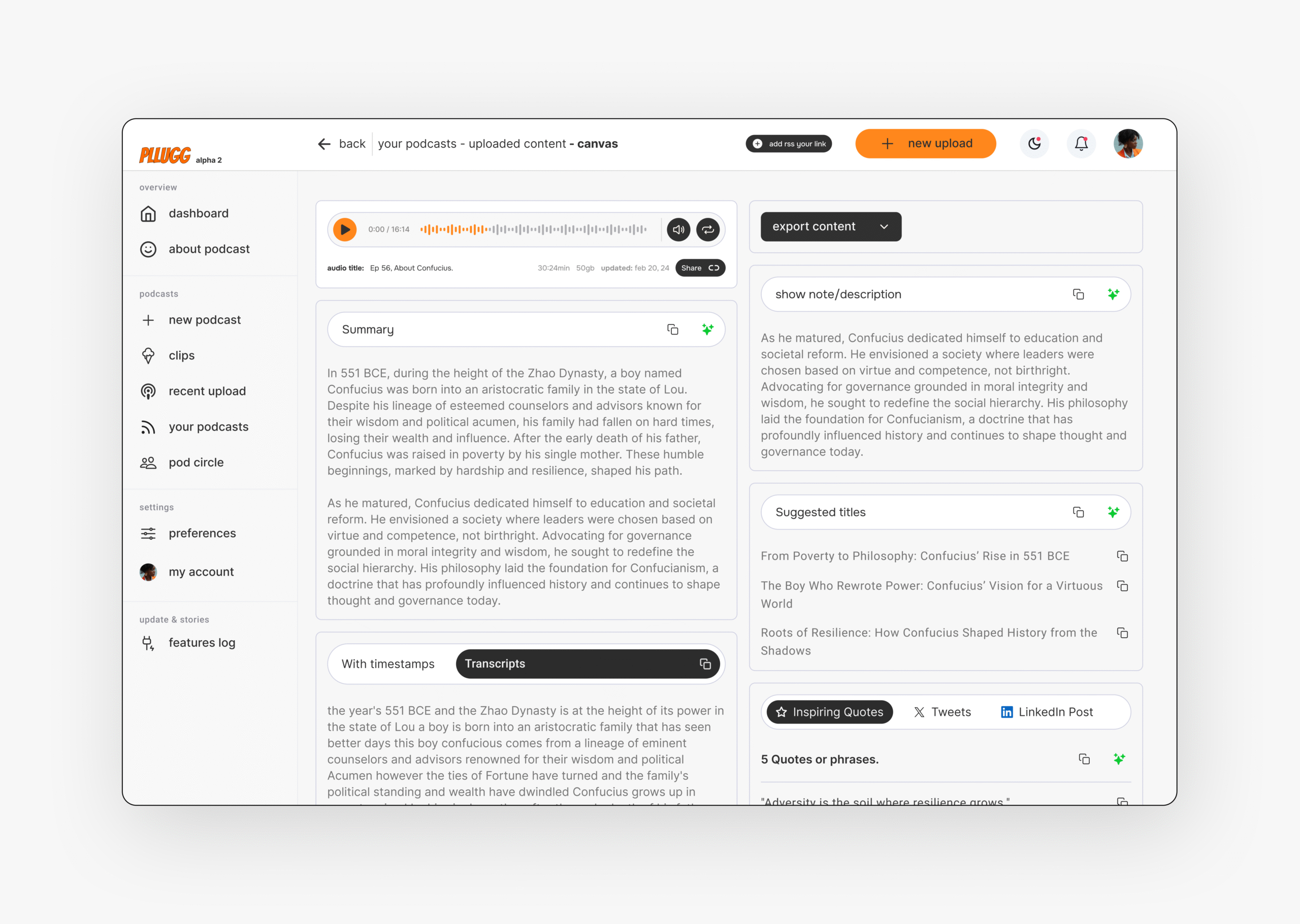
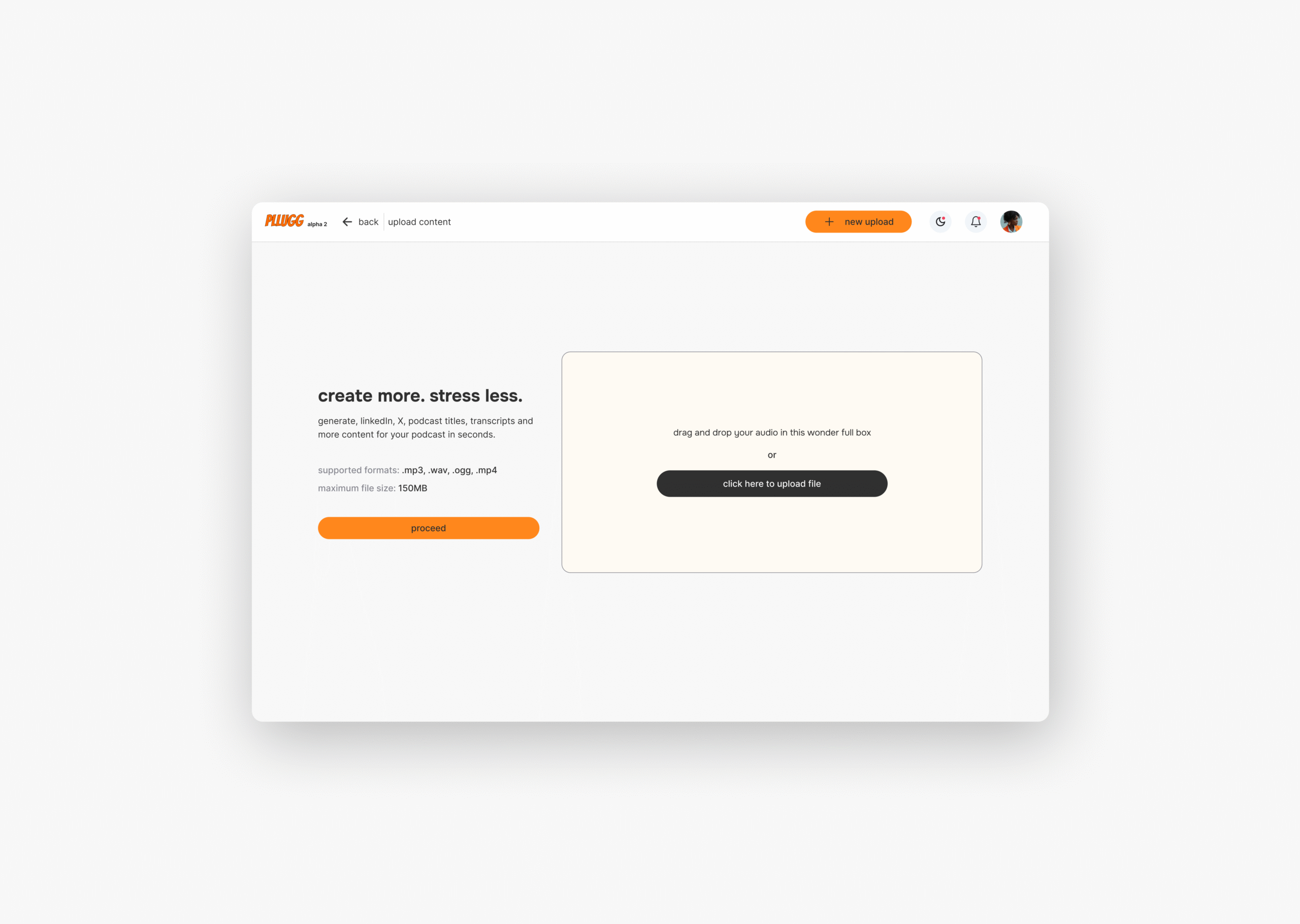
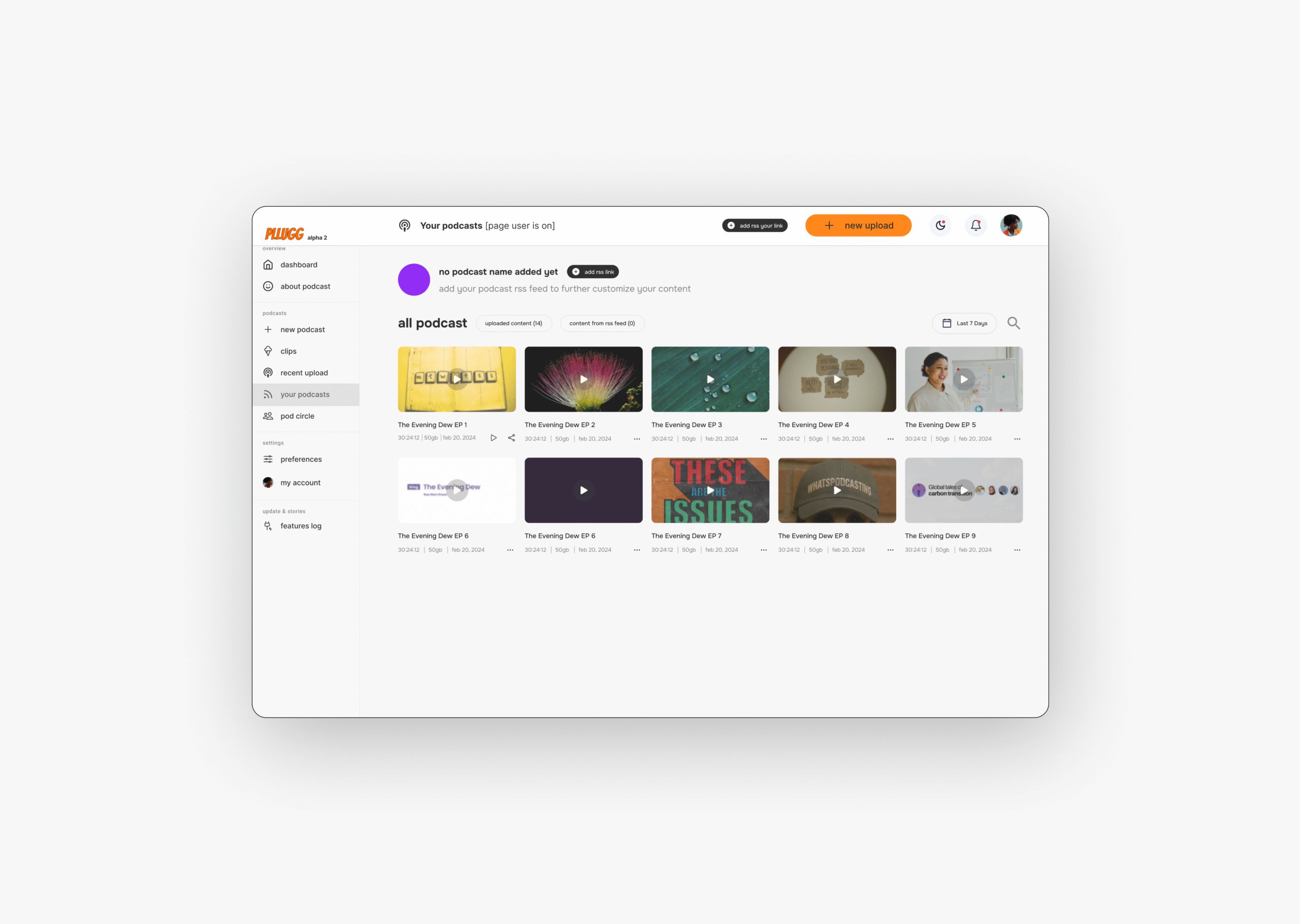
no editing skills required. generate transcripts, short image clips, carousels, and quote cards from your episodes in under 100seconds.

custom templates & brand tools. (coming soon)
stay on-brand, always. your colors, your fonts, your logo embedded into every visual asset automatically.

built for creators who want to scale.
batch-generate content across formats and platforms. turn a single episode into 20+ assets consistently.

workflow automation
automatically generate content from any of your podcast episode using just your rss feed link. do once use forever.

aI-powered workflow
pllugg listens, clips, titles, and writes. use AI to find quotables, identify themes, and even generate captions with zero guesswork.

analytics without the fluff (coming soon)
See what content format performs best. Get weekly insights on episode engagement, completion rates, and content conversions.
Featured Sections
pllugg is here to fight our common enemy as creatives = wasted time.
we help creators do less and create more. pllugg automates the grunt work, so you can focus on what truly matters: your creativity.
repurposing
repurposing engine
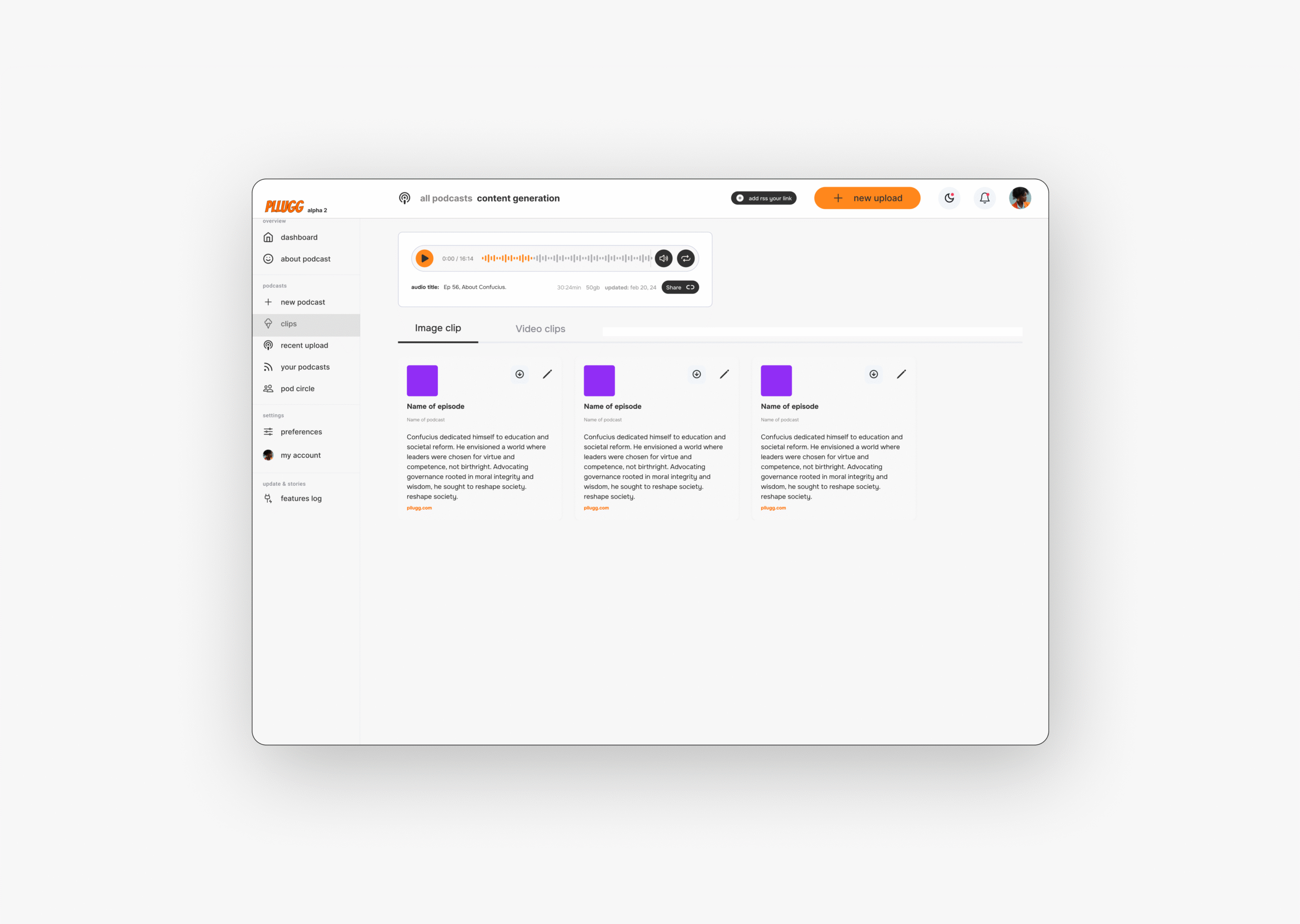
turn full episodes into 30–60 second audiograms, video highlights, blog summaries, and newsletter-ready posts with one upload.
AI Automation
intelligent aI workflow
identify viral moments, assign tags, write post copy. let pllugg’s aI remove the friction between your mic and your audience.
Flexibility
unmatched flexibility
whether you’re recording on zoom or uploading from your camera, pllugg works with any file and adapts to your workflow.
Testimonials & Reviews
hear from podcasters who’ve saved time & grown fast.
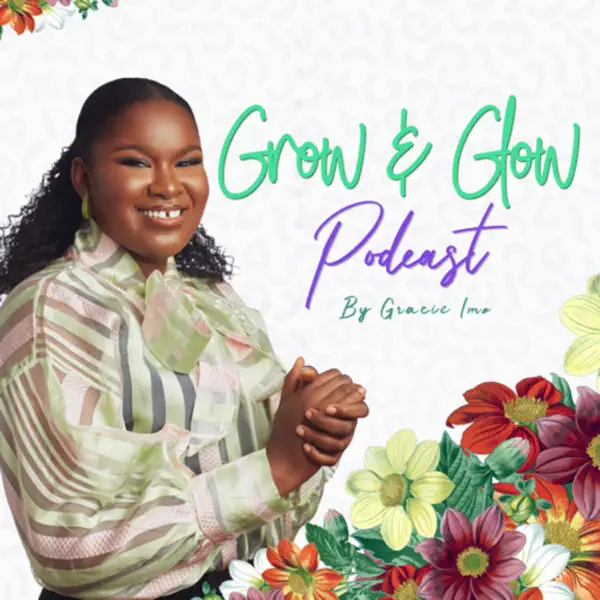
Grace Imo
Grow and glow Podcast

First of all, I’m really impressed, again, with the AI summary. Just like you said, I didn’t need to overthink my description, and once I tried it, it actually sparked some great ideas for what to do next.
I’m especially impressed with how it pulls quotes. That usually takes me so much time, between editing and everything else, I rarely get around to digging through transcripts just to find good soundbites. But this made it easy.
The tweets? Amazing. The LinkedIn posts? On point. Seriously, thank you for creating such a helpful tool.
Tony Doe
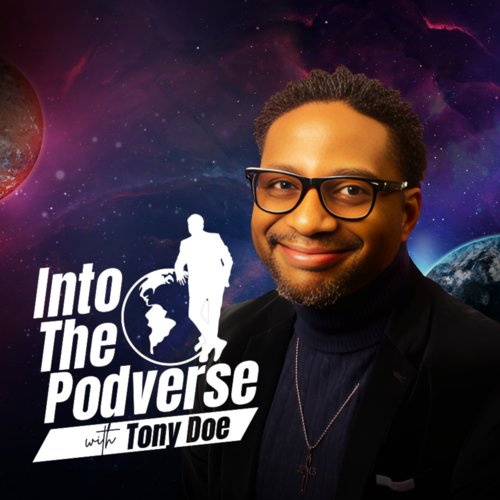
Into the podvers
I’m impressed with what I see so far. The interface is clean, and navigating the app is easy, with no steep learning curve, which is great for anyone looking to get started quickly. The transcription itself works well, with about 95% accuracy, which is pretty solid. Short audio clips, transcribe quickly, and I really like the inclusion of timestamps, especially for repurposing content.
Rodney Omeokachie
The young god
I am currently testing out his Plugg and it is a godsend. Nice one
latest news & articles
insights for creators who repurpose like pros
Frequently Asked Questions
got questions? we’ve got answers.
Lorem ipsum is placeholder text commonly used in the graphic, print, and publishing industries for previewing layouts and visual mockups.
what can I create from one podcast episode using Pllugg?
with just one upload, pllugg can generate:
- Newsletter blurbs.
- Full transcripts.
- Short-form video clips (15–60 seconds)
- Quote cards
- Social captions
- Blog post drafts
- All automatically, all ready to publish.
can I use Pllugg for client podcasts or multiple shows?
yes. You can manage multiple shows, brands, or client accounts from one dashboard. Whether you’re a solo creator or run a full content agency, Pllugg is built to scale with you.
do I need video or will audio-only work?
either works. Pllugg supports audio and video files and will still generate transcripts, quote cards, and repurposed content. If you upload video, you unlock more with dynamic reels and face-forward clips. pllugg takes it all.
can I use my own brand fonts and templates?
not yet, you can not upload your brand assets colors, logos, fonts for now, but pllugg will give you an design that works across all visual content automatically. Stay consistent without extra effort.
what if I want to post directly to social media?
you can download all assets or use our one-click export to tools like Buffer or Notion (and soon, direct scheduling to platforms like Instagram, TikTok, and LinkedIn). we’re always expanding integrations.

having trouble managing your podcast?
at whatspodcasting, our team of dedicated writers, editors, and designers has helped over 20 podcasters worldwide grow their shows and take the stress out of production. you just record, send it to us, and we handle the rest. so you can focus on showing up and shining.